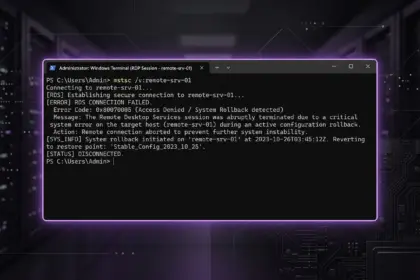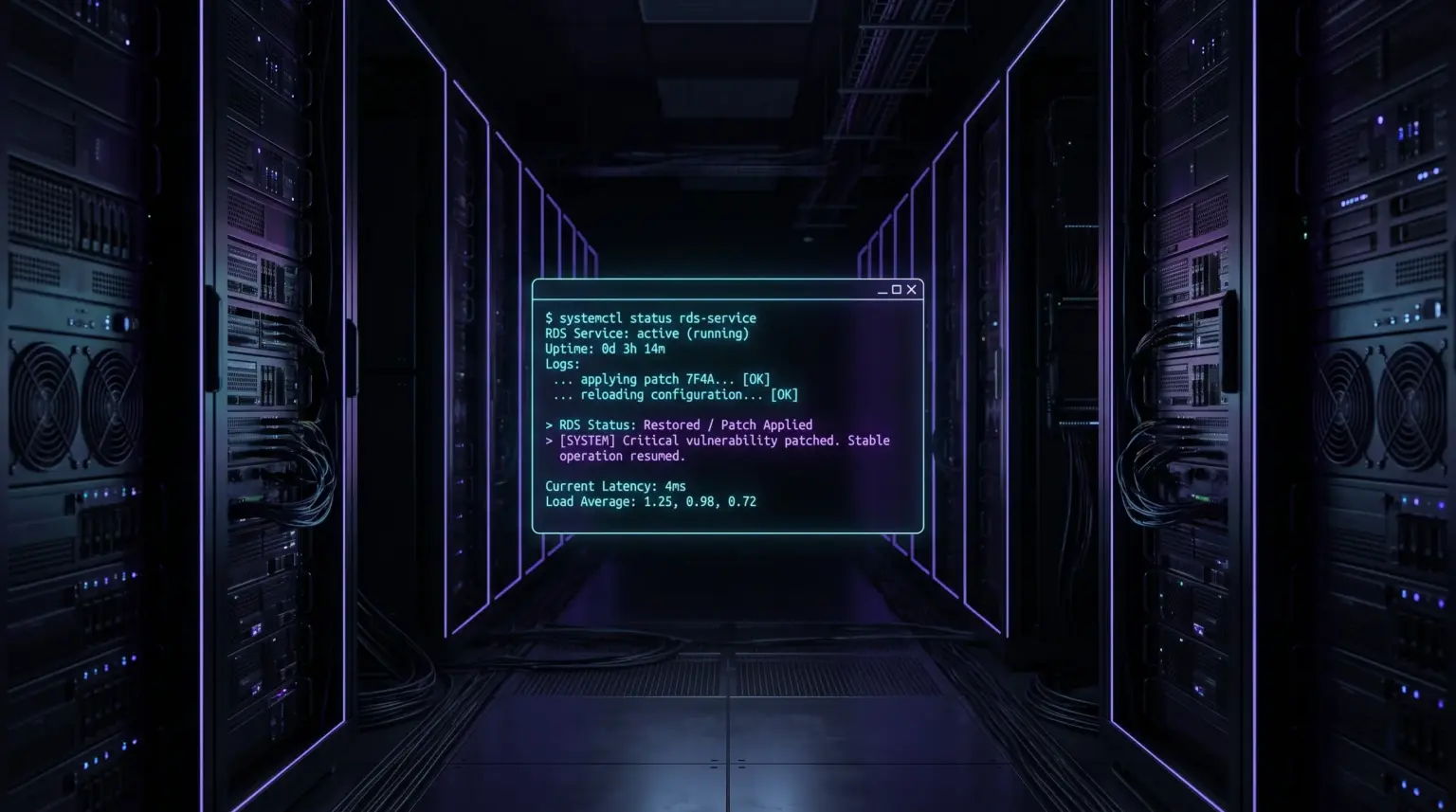
Microsoft has released unscheduled emergency patches (Out-of-Band) to address a critical Remote Desktop Services (RDS) crash. The latest Windows Server RDP update fixes a fatal session deadlock error that caused administrators to lose access to servers after users logged off.
What the Remote Desktop Crash Fix Provides
Previously, we discussed how September’s Windows Server updates broke RDP and led to system error Event ID 20498. The problem lay in the RDPSERVERBASE!WDLIB_Close library: upon session termination (Sign out / Log off), the remote access service would freeze in a deadlock with the Local Session Manager (LSM), blocking subsequent incoming connections.
The emergency update completely replaces the faulty libraries and restores the correct cycle of closing user handles without the need to roll back general security patches.
How to Obtain and Install the Fix
Please note: these out-of-band updates are not distributed automatically through the standard Windows Update. Administrators must download them manually:
- Microsoft Update Catalog: Go to the official Microsoft Update Catalog portal and search for the cumulative package number for your OS version.
- Manual installation via WUSA: Download the file with the
.msuextension to the target server and run a silent installation via the command line as an administrator:wusa.exe C:\Updates\patch_name.msu /quiet /norestart - Synchronization with WSUS: If a local WSUS update service is deployed in your network, import the out-of-band package manually through the administration console.
Checking Service Status After Reboot
After installing the package and the mandatory server reboot, check the correct operation of the Remote Desktop service using a quick command in the PowerShell console:
Get-Service -Name TermService | Select-Object -Property Name, Status, StartTypeThe Status column should display the Running flag. The server is now ready to stably accept multi-user connections without the risk of session freezes.
For homelabs, remote testing, and staging environments, we run NVMe VDS instances on Erahost. Fast provisioning, European routing, and predictable I/O.
View NVMe Plans →