When provisioning persistent storage for homelab NAS arrays and enterprise clusters, understanding CMR vs SMR hard drives is the difference between seamless data parity and catastrophic pool failure. Over the past several years, drive manufacturers silently integrated Shingled Magnetic Recording (SMR) into retail NAS and desktop product lines. While SMR increases platter areal density to reduce manufacturing costs, its physical write geometry fundamentally breaks the timing requirements of parity-based RAID engines and modern Copy-on-Write (CoW) filesystems. Here is the deep architectural analysis of why SMR collapses under ZFS resilver workloads and how to identify true Conventional Magnetic Recording (CMR) drives for mission-critical storage.
- Physical Architecture: CMR vs SMR hard drives Explained
- Technical Comparison: Drive-Managed SMR vs Enterprise CMR
- Why SMR Breaks ZFS Resilvering and Hardware RAID Rebuilds
- Step 1: Inspecting Drive Recording Technology via smartctl
- Step 2: Monitoring Kernel I/O Delays During Heavy Load
- Step 3: Safe Homelab Deployment Strategies
- Frequently Asked Questions
Physical Architecture: CMR vs SMR hard drives Explained
When evaluating CMR vs SMR hard drives, mechanical disks record data as magnetic transitions along concentric tracks on spinning glass or aluminum platters.
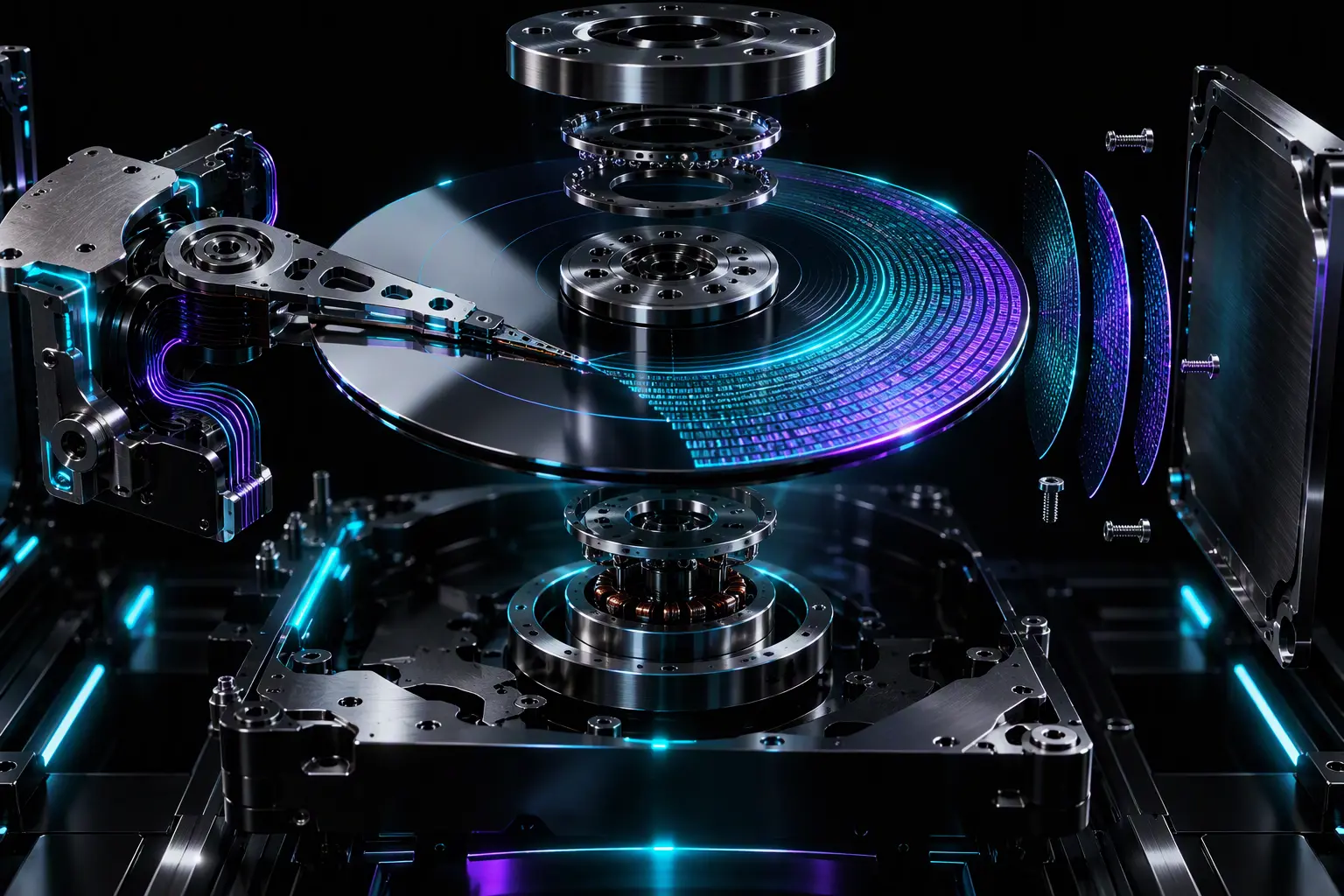
In conventional magnetic recording (CMR), also known as Perpendicular Magnetic Recording (PMR), write and read tracks run parallel to one another with dedicated physical spacing. The write head, which is physically wider than the read head due to magnetic flux dynamics, writes discrete, isolated tracks across the platter surface. Writing to track N never alters or degrades the magnetic charge on adjacent tracks N-1 or N+1.
In contrast, Shingled Magnetic Recording (SMR) overlaps adjacent data tracks like shingles on a roof. Because the read head is significantly narrower than the write head, read heads can still read narrow overlapped tracks without cross-talk. However, the wider write head cannot update an isolated track without overlapping and corrupting the adjacent track. To prevent data corruption, SMR drives organize data into discrete zones (typically 256MB bands separated by physical guard bands).
Whenever a single 4KB sector inside a zone requires an update, the drive cannot perform an in-place overwrite. Instead, it must read the entire 256MB zone into onboard DRAM, modify the requested sector in cache, erase or reposition the zone, and sequentially rewrite the entire data band. This architectural cycle introduces massive write amplification and unpredictable latency spikes.
Technical Comparison: Drive-Managed SMR vs Enterprise CMR
Understanding how the disk controller handles zones dictates whether an SMR drive can survive an automated storage array. The industry categorizes magnetic recording into three primary control implementations:
| Feature | CMR / PMR (Conventional) | Drive-Managed SMR (DM-SMR) | Host-Managed SMR (HM-SMR) |
|---|---|---|---|
| Write Geometry | Parallel isolated tracks | Overlapping tracks (shingled) | Overlapping zoned tracks |
| Translation Layer | Standard LBA table | Internal Shingled FTL (Emulated) | Host OS / Kernel ZBC/ZAC |
| Random 4KB Write Latency | 8–15 ms (Predictable) | 100 ms to 45,000+ ms (Stalled) | Host-directed sequential writes |
| RAID / ZFS Resilver Compatibility | 100% Fully Compatible | Dangerous (Causes Pool Drops) | Requires ZFS ZBC-aware builds |
| Typical Market Products | WD Red Plus/Pro, Seagate IronWolf | WD Blue, Seagate Barracuda, WD Red (EFAX) | Enterprise Cloud Archival (Ultrastar HC600) |
Why SMR Breaks ZFS Resilvering and Hardware RAID Rebuilds
The failure of Drive-Managed SMR in RAID arrays is not a matter of bit decay, but a structural timing breakdown inside the Linux storage stack and the drive controller firmware. When a failed drive is replaced in a RAID 5/6 or ZFS RAIDZ pool, the storage subsystem initiates a rebuild or resilver operation. During this process, the controller writes hundreds of gigabytes or terabytes of random parity segments across the new drive at maximum line rate.
Here is the exact chain of failure on DM-SMR drives:
- Media Cache Exhaustion: SMR drives include a small Conventional (CMR) outer-ring zone and high-speed DRAM cache (typically 128MB–256MB) to absorb burst writes. During a prolonged ZFS resilver, this cache fills within minutes.
- Background Garbage Collection: Once the cache saturates, the drive firmware must simultaneously read existing shingled bands, merge incoming I/O, and write whole sequential zones back to disk.
- Host Command Queue Starvation: The drive’s internal Shingled Flash Translation Layer (FTL) halts incoming SATA/SAS command queues while reallocating zones. Write latencies spike from 12 milliseconds to over 40 seconds.
- I/O Timeout and Eject: Linux SCSI subsystems (
sddriver) and hardware RAID controllers typically enforce command timeouts between 7 and 30 seconds. When the SMR drive fails to acknowledge incoming write operations, the OS flags an I/O timeout (sense key: Aborted Command). - Pool Degradation: ZFS marks the vdev as
FAULTEDdue to excessive I/O delays. If another drive in a single-parity array fails while rebuilding, the entire storage pool experiences unrecoverable data loss.
For more architectural details on filesystem transaction groups, consult the official OpenZFS documentation. To diagnose and prevent general OS-level hardware halts, review our storage and system troubleshooting index.
Step 1: Inspecting Drive Recording Technology via smartctl
When auditing CMR vs SMR hard drives across Linux or Proxmox environments, Drive-Managed SMR drives present themselves to the operating system as standard SATA devices, concealing their internal zone architecture. However, Linux administrators can query the ATA capability descriptors via smartctl (part of smartmontools) to identify underlying SMR traits.
Execute an elevated hardware scan against your storage device:
# Install smartmontools on Debian/Ubuntu or Proxmox VE
sudo apt-get update && sudo apt-get install -y smartmontools

# Query ATA Identify properties for SMR and TRIM support
sudo smartctl -i /dev/sdb
Inspect the command output for key indicators:
- TRIM / UNMAP Support: Traditional spinning hard drives do not utilize TRIM. If
smartctlreportsData Set Management TRIM supportedon a mechanical HDD, the drive is almost certainly DM-SMR. The firmware relies on TRIM commands to flag invalid shingled zones for background garbage collection. - Rotational Speed and Model Suffix: Examine the exact model code against vendor data sheets. For instance, Western Digital drives ending in
-EFAX(such asWD40EFAX) utilize SMR, whereas-EFZXand-EFRXmodels utilize true CMR.
# Check for Zoned Block Device characteristics
sudo smartctl -a /dev/sdb | grep -i -E "(zoned|trim|device model)"
Step 2: Monitoring Kernel I/O Delays During Heavy Load
If you suspect an SMR drive is already running in a software RAID or ZFS zpool, monitor kernel ring buffer logs and device latency curves while under sustained write operations.
Open an SSH terminal and monitor real-time I/O transaction times:
# Watch real-time disk await times (latencies over 50ms indicate severe FTL bottlenecking)
iostat -xzk 1 | awk '{print $1, $8, $9, $10, $14}'

# Inspect kernel logs for SATA command timeouts and aborted requests
sudo dmesg -T | grep -E "(ata[0-9]+|timeout|resetting link|error: {)"
If the disk displays sustained %util near 100% with single-digit throughput (under 5 MB/s) and recurring task blocked for more than 120 seconds messages in dmesg, the drive is drowning in zone reallocations.
Step 3: Safe Homelab Deployment Strategies
To ensure long-term array reliability, follow these hardware selection standards when deploying NAS, Proxmox VE, TrueNAS, or Unraid systems:
- Enforce 100% CMR in Parity VDEVs: Never mix CMR and SMR drives within the same vdev or RAID group. If SMR drives are already present, replace them drive-by-drive with dedicated NAS-grade CMR disks (such as Seagate IronWolf, Toshiba N300, or WD Red Plus/Pro).
- Reserve SMR for Cold Archival: SMR drives perform adequately under strictly sequential, write-once workloads. If you possess SMR drives, relegate them to non-parity single disks for secondary, uncompressed media backups.
- Tune Timeout Thresholds (Temporary Workaround): If you are forced to resilver onto an SMR drive to recover critical data, artificially increase the SCSI command timeout via sysfs to prevent the kernel from dropping the disk:
# Extend the SCSI command timeout to 180 seconds on drive sdb
echo 180 | sudo tee /sys/block/sdb/device/timeout
For additional hardware evaluations, controller benchmarks, and workstation build advice, explore our comprehensive Storage and RAM hardware hub.
Frequently Asked Questions
Are all Western Digital Red drives SMR?
No. Following public backlash, Western Digital restructured the line. Standard “WD Red” drives (2TB–6TB) remain Drive-Managed SMR. However, the “WD Red Plus” and “WD Red Pro” series are strictly Conventional Magnetic Recording (CMR) and certified for multi-bay NAS and ZFS deployments.
Can ZFS natively optimize for Drive-Managed SMR?
No. Because Drive-Managed SMR handles zone translation entirely within the drive firmware, the host operating system has no visibility into zone boundaries. Only Host-Managed SMR (HM-SMR) using ZBC (SCSI Zoned Block Commands) can be orchestrated by specialized kernel filesystems.
Does SMR affect sequential read performance?
No. Once data is written sequentially and the shingled tracks are finalized, read speeds on SMR drives match CMR drives of similar platter density and rotational speed. The performance drop applies exclusively to sustained and random write operations.
For homelabs, remote testing, and staging environments, we run NVMe VDS instances on Erahost. Fast provisioning, European routing, and predictable I/O.
View NVMe Plans →