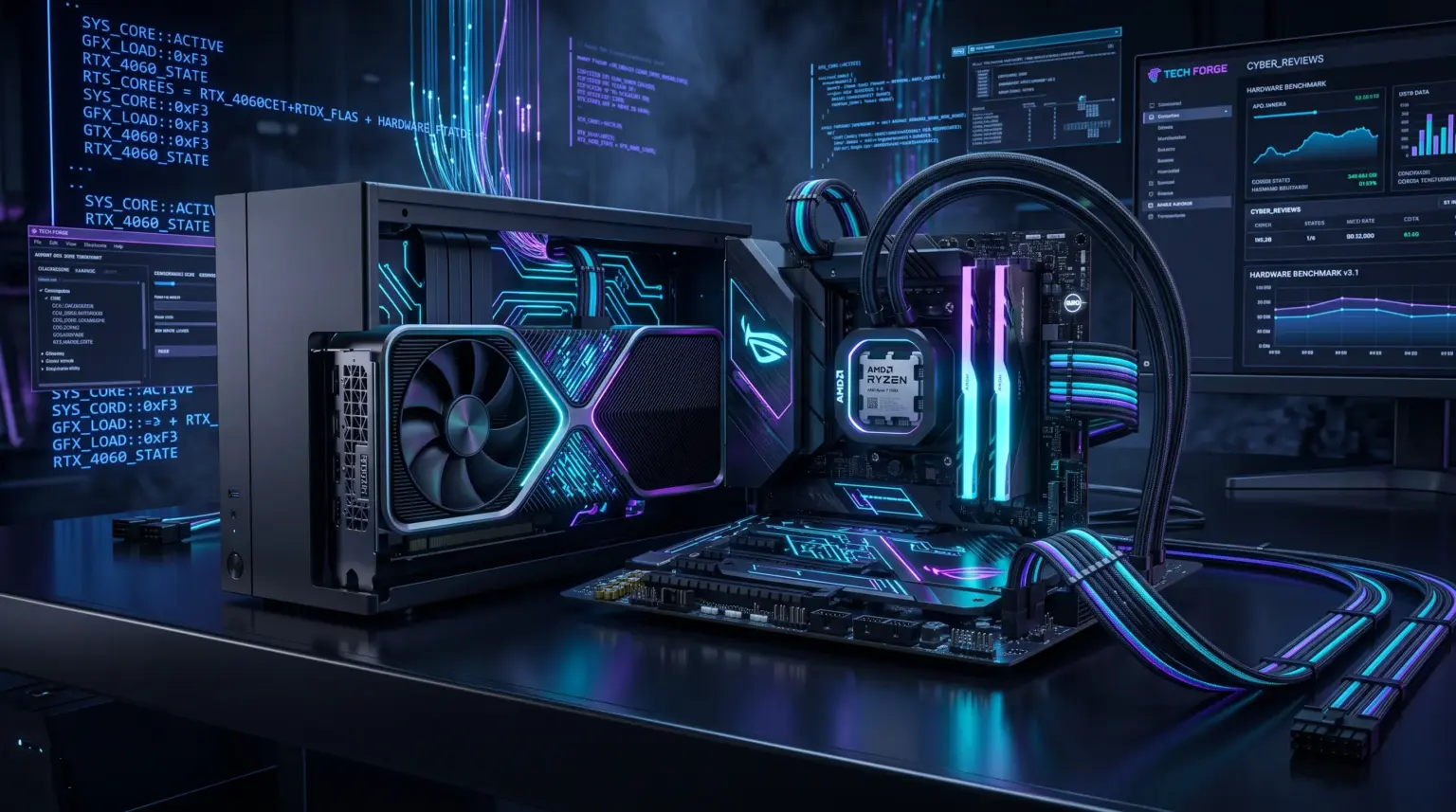
RTX 4060 PC Build — the smart choice for modern gaming.
The NVIDIA GeForce RTX 4060 has firmly established itself as one of the top budget-friendly solutions for comfortable gaming at Full HD and moderate 2K resolutions. However, the graphics card alone doesn’t guarantee high and smooth frame rates. If you install a powerful GPU in a system with weak power delivery, slow memory, or an unbalanced processor, you’ll end up with a bottleneck and regular microstutters.
In this detailed guide, we’ll build an optimal gaming PC around the RTX 4060, where every dollar spent works toward performance, without overpaying for excessive marketing.
- RTX 4060 PC Build — the smart choice for modern gaming.
- 1. Processor: AMD Ryzen 5 5600X
- 2. Motherboard: AMD B550 Chipset
- 3. RAM: 32 GB DDR4 (2×16 GB, 3600 MHz)
- 4. Graphics Card: NVIDIA GeForce RTX 4060 (8 GB GDDR6)
- 5. Storage: 1 TB M.2 NVMe SSD (PCIe 4.0)
- 6. CPU Cooling: Tower Cooler (4 Heat Pipes)
- 7. Power Supply: 600–650W with 80 PLUS Bronze / Gold Certification
- 8. Case: Airflow-Optimized Mesh Design
- Configuration Summary Table
- Gaming Performance: What to Expect at 1080p and 1440p?
- Conclusion
1. Processor: AMD Ryzen 5 5600X
At the heart of our configuration sits the proven 6-core, 12-thread AMD Ryzen 5 5600X processor.
-
Why this one: The Zen 3 architecture and generous 32 MB L3 cache deliver excellent per-core performance in esports titles and demanding modern games. The processor fully unlocks the RTX 4060’s potential without any CPU thread bottlenecks.
-
Alternative: If you prefer the Intel platform, the comparable equivalent is the Intel Core i5-12400F.
-
Read more about this chip’s capabilities in our detailed article: AMD Ryzen 5 5600X Review: Is It Worth Buying in 2026?
2. Motherboard: AMD B550 Chipset
For stable system operation, don’t skimp down to the most basic A520 chipset. The optimal choice is a Micro-ATX or ATX motherboard with the B550 chipset (for example, MSI B550M PRO-VDH WiFi or ASUS TUF GAMING B550M-PLUS).
-
PCIe 4.0 interface support: This is critical. The RTX 4060 uses a reduced 8-lane PCIe connection (PCIe 4.0 x8). On older motherboards with PCIe 3.0, you may see drops in 1% and 0.1% lows in demanding games. The B550 chipset guarantees full high-speed bus operation.
-
Reliable power delivery (VRM): Heatsinks on the VRM zone allow the processor to maintain stable turbo boost without throttling.
3. RAM: 32 GB DDR4 (2×16 GB, 3600 MHz)
The days when 16 GB was enough for a gaming PC are behind us. Modern open-world titles and simultaneously running applications (Discord, browser, overlays) easily exceed those limits.
-
Configuration: A kit of two 16 GB modules to activate dual-channel mode.
-
Frequency and timings: The sweet spot for the Zen 3 memory controller is 3600 MHz with CL16 or CL18 timings (synchronous Infinity Fabric 1:1 mode at 1800 MHz).
4. Graphics Card: NVIDIA GeForce RTX 4060 (8 GB GDDR6)
The key component of our build. The Ada Lovelace architecture delivers impressive power efficiency: the card’s TDP is only around 115W.
-
Advantages: Support for current DLSS 3 frame generation technology, hardware ray tracing units, and low operating temperatures.
-
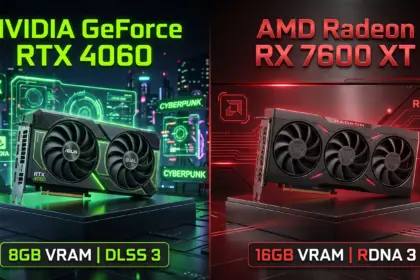
Competitor comparison: If you’re torn between Team Green and Team Red, check out our hands-on comparison: RTX 4060 vs. RX 7600 XT: Which Graphics Card Should You Choose?
5. Storage: 1 TB M.2 NVMe SSD (PCIe 4.0)
Forget classic SATA SSDs for your system and heavy games. Our choice is an M.2 NVMe drive with PCIe 4.0 support (for example, Kingston KC3000, Samsung 980 Pro, or WD Black SN770).
-
Read speeds from 5,000 MB/s guarantee instant OS boot times and seamless texture streaming in games thanks to DirectStorage technology.
6. CPU Cooling: Tower Cooler (4 Heat Pipes)
The Ryzen 5 5600X has a 65W TDP, but under real gaming loads, Precision Boost 2 can briefly increase the chip’s power draw.
-
A classic tower cooler with 4 copper heat pipes and a 120mm fan is sufficient (for example, DeepCool AK400 or ID-COOLING SE-224-XTS). This ensures quiet operation and chip temperatures in the 60–68°C range.
7. Power Supply: 600–650W with 80 PLUS Bronze / Gold Certification
The combined power consumption of the Ryzen 5 5600X and RTX 4060 under peak load rarely exceeds 280–300W. Nevertheless, headroom is necessary for quiet PSU fan operation and component longevity.
-
Choose a reliable 600–650W power supply with quality circuitry, DC-DC converters, and at least 80 PLUS Bronze efficiency certification (for example, Chieftec Polaris, DeepCool PK600D, or be quiet! System Power 10).
8. Case: Airflow-Optimized Mesh Design
A beautiful solid-panel aquarium with poor airflow is the enemy of graphics card longevity.
-
Choose a case with a perforated mesh front panel and preinstalled fans (at least 2 intake and 1 exhaust). A good example for price-to-airflow ratio: Montech AIR 100 / AIR 903 or DeepCool CC560.
- Below is a complete RTX 4060 PC build with approximate component pricing.
Configuration Summary Table
| Component | Recommended Model | Approximate Cost |
| Processor |
AMD Ryzen 5 5600X (6 cores / 12 threads) |
~$130 |
| Cooling | DeepCool AK400 / ID-COOLING SE-224-XTS | ~$25 |
| Motherboard | B550 (MSI / ASUS / Gigabyte) with PCIe 4.0 | ~$105 |
| RAM | 32 GB (2×16 GB) DDR4-3600 CL16/18 | ~$70 |
| Graphics Card | NVIDIA GeForce RTX 4060 8 GB GDDR6 | ~$300 |
| Storage | 1 TB M.2 NVMe PCIe 4.0 (5,000 MB/s read) | ~$75 |
| Power Supply | 600W–650W 80 PLUS Bronze / Gold | ~$60 |
| Case | Mesh Mid-Tower with 3–4 fans | ~$55 |
| TOTAL: | Balanced gaming setup | ~$820 |
Gaming Performance: What to Expect at 1080p and 1440p?
This build is designed for maximum graphics settings at 1080p (Full HD) in all current AAA titles:
-
Cyberpunk 2077: 75–90 FPS on Ultra settings with DLSS Quality and Frame Generation enabled.
-
Counter-Strike 2 / Valorant: 280–380 FPS with stable and consistent frame times.
-
Forza Horizon 5: 95–110 FPS on Extreme graphics settings.
-
Red Dead Redemption 2: 75–85 FPS on Ultra settings at native 1080p.
When stepping up to 1440p (2K), the combo continues to deliver comfortable 60+ FPS in most titles with moderate ray tracing settings and DLSS upscaling.
Conclusion
This configuration built around the Ryzen 5 5600X and GeForce RTX 4060 is the gold standard for smart budget allocation in 2026. There’s no overspending on excessive motherboards or liquid cooling, and every system component is balanced to deliver maximum FPS per dollar without overheating or excess noise. A well-planned RTX 4060 PC build ensures high frame rates without unnecessary costs.
For homelabs, remote testing, and staging environments, we run NVMe VDS instances on Erahost. Fast provisioning, European routing, and predictable I/O.
View NVMe Plans →