

Building an Intel N100 homelab server provides a compelling balance between sub-6W thermal boundaries and virtualization capability, provided you engineer around the architectural limits of the Alder Lake-N platform. While consumer marketing frequently positions these low-power 4-core chips as drop-in replacements for standard enterprise nodes, deploying an Intel N100 node into a 24/7 production homelab requires deliberate hardware profiling, PCIe lane routing awareness, and granular kernel-level power tuning to achieve stable low-power operation under Proxmox VE.
- Architectural Constraints of the Intel N100 Homelab Server
- BIOS Configurations: Unlocking Deep C-States and ASPM
- Deploying Proxmox VE 8: Storage and Kernel Parameters
- Intel QuickSync Passthrough in Unprivileged LXC
- Real-World Power Consumption Telemetry
- Automating Runtime Power Tuning with Systemd
- Frequently Asked Questions
Architectural Constraints of the Intel N100 Homelab Server
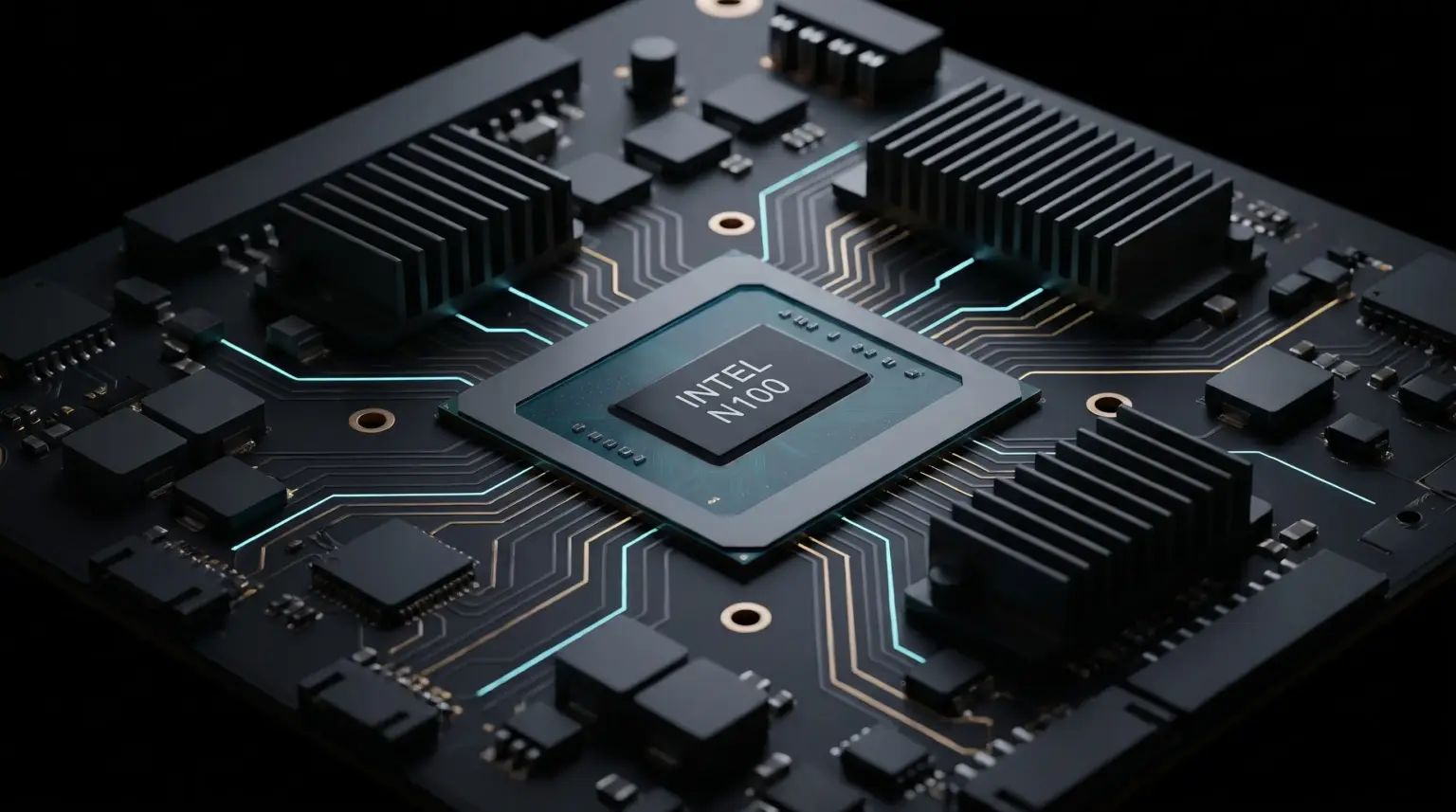
The Intel Processor N100 utilizes four Gracemont Efficient-cores (E-cores) manufactured on the Intel 7 process. Unlike full-die desktop Raptor Lake architectures, Alder Lake-N omits Performance-cores (P-cores) entirely and executes instructions without Hyper-Threading. While this design minimizes thermal dissipation to a baseline 6W Processor Base Power (PL1), it introduces specific I/O constraints that dictate how storage and networking must be provisioned.
According to official specifications detailed in the Intel Processor N100 Technical Documentation, the silicon integrates a total of only 9 PCIe 3.0 lanes and a single-channel memory controller supporting up to DDR5-4800 or DDR4-3200. In high-density mini-PC motherboards (such as CWWK, Topton, or Beelink chassis), original equipment manufacturers (OEMs) split these 9 lanes aggressively across auxiliary controllers:
| Hardware Component | Bus Allocation | Effective Bandwidth | Homelab Implementation Notes |
|---|---|---|---|
| Primary M.2 NVMe Slot | PCIe 3.0 x1 or x2 | ~985 MB/s to ~1970 MB/s | Restricted by OEM bifurcations; cannot saturate Gen4 or Gen3 x4 SSDs. |
| Ethernet Controller(s) | PCIe 3.0 x1 per NIC | ~985 MB/s per lane | Commonly 4x Intel i226-V 2.5GbE controllers consuming 4 dedicated lanes. |
| Secondary Storage / Wi-Fi | PCIe 3.0 x1 / SATA 6Gb/s | ~600 MB/s (SATA) | Often multiplexed via ASM1064 or JMicron bridge controllers. |
| Memory Subsystem | Single-Channel (64-bit) | Up to 38.4 GB/s (DDR5) | Soft limit allows 32GB SO-DIMMs despite official 16GB spec ceiling. |
Understanding this layout is critical when allocating virtual disks in your hardware infrastructure. Saturated bus lines directly degrade I/O operations per second (IOPS), generating system interrupts that block deeper processor sleep states.
BIOS Configurations: Unlocking Deep C-States and ASPM
Out-of-the-box mini-PCs frequently idle between 12W and 18W at the wall due to conservative firmware defaults. To reach the target 4W–6W baseline, Active State Power Management (ASPM) and deep package C-states must be explicitly enforced inside the UEFI setup.
1. Enforcing PCIe ASPM and Sub-States
Navigate to Advanced → PCI Subsystem Settings and Chipset → System Agent (SA) Configuration:
- Native ASPM: Set to
Enabled(allows the Linux kernel direct control over link power states). - PCIe ASPM Support: Set to
L1 Substates / L1.1 & L1.2across all root ports. - DMI ASPM: Set to
ASPM L1.
2. Power Management & C-State Residency
Under CPU Configuration → Power Management:
- Intel C-State Technology: Set to
Enabled. - Package C-State Limit: Set to
C10(or the deepest state exposed by your motherboard vendor). - Enhanced Intel SpeedStep / Speed Shift: Ensure both remain
Enabledfor granular P-state scaling.
Deploying Proxmox VE 8: Storage and Kernel Parameters
Proxmox VE 8 (running Debian 12 Bookworm with the 6.8+ kernel) natively handles Alder Lake-N architectures. However, default installation routines must be adjusted to prevent premature wear on consumer solid-state drives and ensure proper runtime power management governed by the Linux Kernel ASPM Subsystem.
Step 1: Avoiding Consumer SSD Burnout on ZFS
While ZFS provides snapshot integrity, deploying a ZFS root pool onto budget consumer TLC/QLC drives on an Intel N100 leads to excessive Write Amplification Factors (WAF) caused by Proxmox cluster engine logging (pve-ha-crm and pvestatd). For standalone homelab nodes, choose ext4 with LVM-thin during setup, or set the following tuning flags if ZFS is mandatory:
# Disable access time updates globally across your ZFS datasets
zfs set atime=off rpool
zfs set atime=off rpool/data

# Verify sync behavior for container storage volumes
zfs set sync=disabled rpool/data/subvol-100-disk-0
Step 2: Kernel Boot Parameter Tuning
To prevent device driver regressions from blocking CPU low-power sleep states, append ASPM force flags to your GRUB boot configuration. Edit /etc/default/grub:
GRUB_CMDLINE_LINUX_DEFAULT="quiet intel_pstate=enable pcie_aspm=force pcie_aspm.policy=powersupersave i915.enable_guc=3"Update the bootloader and apply the changes:
update-grub
proxmox-boot-tool refresh
reboot
Intel QuickSync Passthrough in Unprivileged LXC
The N100 features a 24 Execution Unit (EU) Intel UHD Gen12 GPU capable of decoding 10-bit HEVC, VP9, and AV1 video streams natively. Running hardware-accelerated transcoding inside an unprivileged LXC container eliminates the performance overhead of full KVM virtualization.
Identify the host device group permissions:
ls -l /dev/dri
# Output:
# crw-rw---- 1 root video  226,   0 Nov 05 10:00 card0
# crw-rw---- 1 root render 226, 128 Nov 05 10:00 renderD128
Append the rendering node access directives directly to your container configuration file (/etc/pve/lxc/100.conf):
# Allow container access to DRI character devices
lxc.cgroup2.devices.allow: c 226:0 rwm
lxc.cgroup2.devices.allow: c 226:128 rwm

# Bind-mount hardware acceleration nodes
lxc.mount.entry: /dev/dri/card0 dev/dri/card0 none bind,optional,create=file
lxc.mount.entry: /dev/dri/renderD128 dev/dri/renderD128 none bind,optional,create=file
Inside the container, ensure the target service user (e.g., jellyfin or plex) belongs to the mapped render group (GID 105 or 108 depending on distribution) to guarantee unprivileged direct rendering manager access.
Real-World Power Consumption Telemetry
Hardware power measurements recorded via an inline digital power analyzer highlight the impact of firmware and operating system power profiling across identical workloads:
| System State / Operational Phase | Stock Out-of-Box | Optimized (ASPM + Powertop) | Deepest C-State Reached |
|---|---|---|---|
| Idle (Proxmox VE Host Only) | 13.8 W | 4.9 W | Package C8 / Core C10 |
| Active (5x LXC Containers + Pi-hole) | 16.2 W | 7.4 W | Package C6 / Core C8 |
| Jellyfin Transcode (4K HEVC → 1080p) | 21.4 W | 14.8 W | Package C2 / Core C3 |
| 100% Synthetic Load (mprime / stress-ng) | 28.2 W | 24.1 W | Package C0 (PL1 Clamp: 15W) |
By preventing PCIe bus links from remaining in L0 active states, package power residency drops into C8/C10 states during idle gaps, cutting continuous 24/7 power draw by over 60%.
Automating Runtime Power Tuning with Systemd
To ensure power optimizations persist across system reboots, install powertop on the host and configure an automated systemd unit:
apt install powertop -y

# Create the persistence service file
cat << 'EOF' > /etc/systemd/system/powertop-autotune.service
[Unit]
Description=Powertop Auto-Tune Systemd Service
After=multi-user.target

[Service]
Type=oneshot
ExecStart=/usr/sbin/powertop --auto-tune
RemainAfterExit=true

[Install]
WantedBy=multi-user.target
EOF

# Reload and enable the service
systemctl daemon-reload
systemctl enable --now powertop-autotune.service
Frequently Asked Questions
Can the Intel N100 homelab server support 32GB of RAM reliably?
Yes. Despite Intel officially listing a 16GB memory ceiling on the Alder Lake-N Ark specification sheet, standard DDR4-3200 and DDR5-4800 non-ECC 32GB SO-DIMM modules (such as Crucial or Samsung single-rank/dual-rank modules) initialize and pass MemTest86 stress tests without stability issues.
Why do Intel i226-V 2.5GbE network ports drop links under Linux?
Early i226-V step revisions experienced Energy Efficient Ethernet (EEE) synchronization stalls. Disable EEE on all host interfaces using ethtool --set-eee <interface> eee off within your network configuration to prevent intermittent link flapping.
Is ZFS recommended for single-drive N100 servers?
For single-drive deployments without redundancy, ZFS creates excessive write overhead on consumer NVMe drives. Using ext4 with LVM-thin reduces unnecessary flash writes and preserves overall drive endurance over multi-year runtime cycles.
For homelabs, remote testing, and staging environments, we run NVMe VDS instances on Erahost. Fast provisioning, European routing, and predictable I/O.
View NVMe Plans →