The September cumulative release of Windows 11 (25H2 branch) promised to be a celebration: Microsoft engineers closed almost a thousand vulnerabilities and finally brought back the legendary movable taskbar straight from the Windows 95 era, with compact height settings and local search. But along with the cosmetic changes, a freight train of critical bugs arrived on PCs.
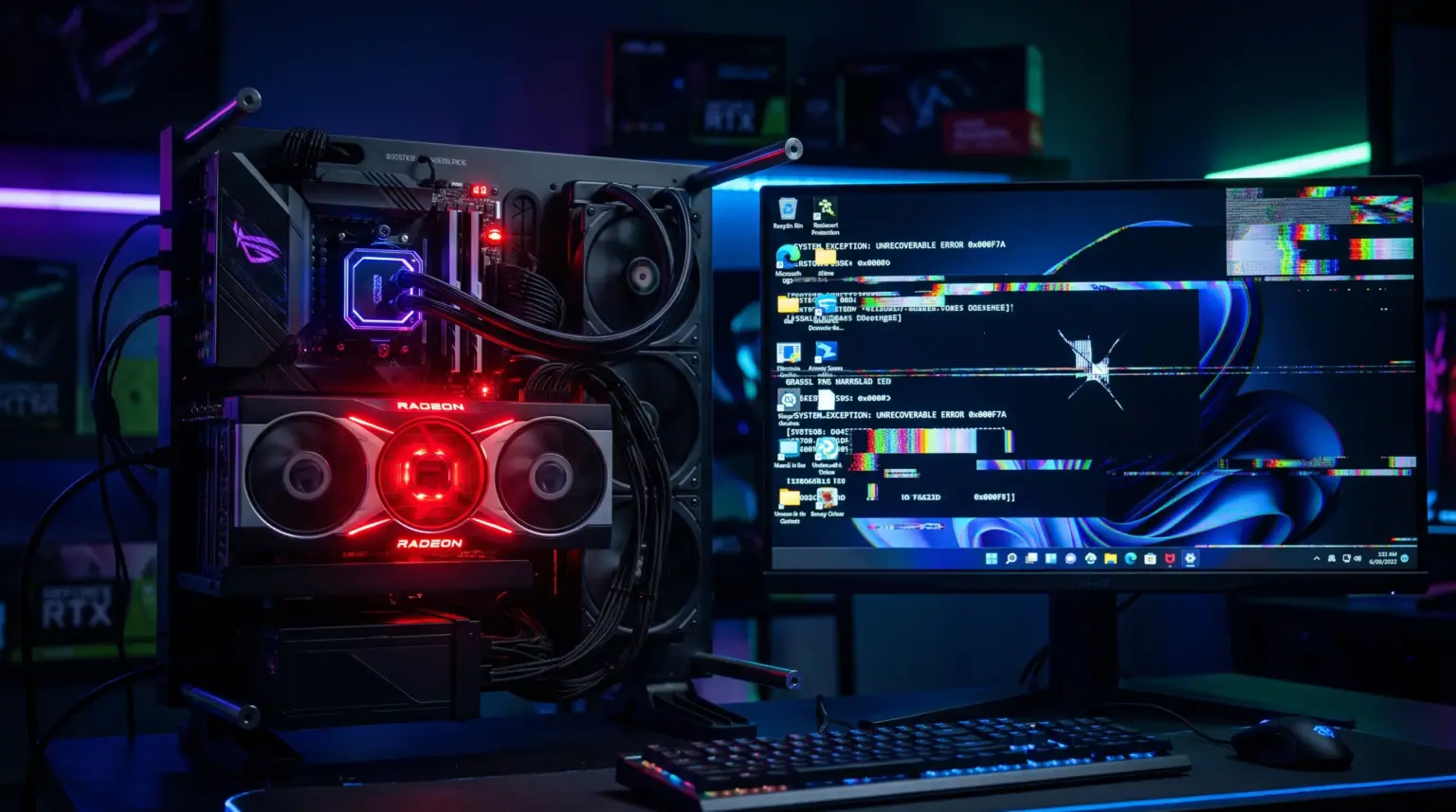
The system began to massively crash AMD Radeon video drivers, mute microphones, break Remote Desktop sessions (RDS), and on some laptops, damage the BIOS. The scale of the disaster forced Microsoft to urgently roll out an out-of-band hotfix. Let’s break down what went wrong and how to quickly get your system back on track. 🛠️
What the September 25H2 Update Broke
- AMD Radeon Graphics Card Plague: The video driver crashes with a timeout (Driver Timeout) even during simple browser surfing. A clean reinstall via DDU does not help — the bug is embedded in the OS system libraries.
- Black Screen After Login: The desktop does not load, the process
explorer.exehangs. The system is running, the cursor moves, but there is no graphical shell. - Remote Desktop Services (RDS) Failure: Admins and homelab server owners were the first to suffer — RDP sessions disconnect, authentication fails with a timeout.
- Dead Sound and Microphones: Audio chip settings are reset, 3D sound and surround sound configurations are broken.
- File History Failure: The built-in backup service completely stopped recognizing external drives.
- Linux Virtual Machine Crashes: Development environments (including Claude Cowork) broke due to hypervisor failure with Plan9 shared folders.
- Fatal Crashes on HP and Lenovo: The update damages the BIOS microcode on HP motherboards (with a risk of bricking without a chance for a standard rollback), and Lenovo laptops experience spontaneous shutdowns due to power failures.
Step 1. Reviving the Desktop After a Black Screen
If you are greeted by an empty screen with only a mouse cursor after rebooting, force restart the shell:
- Press the key combination
Ctrl+Shift+Esc(to call Task Manager). - In the top menu, click “Run new task”.
- Enter
explorer.exeand pressEnter. - If the desktop does not come back to life, in the same window, type
cmd, make sure to check the box “Create this task with administrative privileges”, and clickEnterto launch the console.
Step 2. Applying an Emergency Hotfix from Microsoft
Microsoft has already started distributing an out-of-band cumulative package that addresses issues with Radeon graphics, sound, and RDS:
- Go to Settings ➔ Windows Update.
- Activate the toggle “Get the latest updates as soon as they’re available”.
- Click “Check for updates”.
- Find the out-of-band hotfix in the list (check the “Optional updates” block), install it, and restart the system.
Lifehack: If the standard updater is stuck in an endless search, open the official Microsoft Update Catalog (catalog.update.microsoft.com), enter the number of the fresh Out-of-Band package, download the x64 standalone .msu file, and install it manually.
Step 3. Radical Rollback: Removing the Faulty Update via Console
If the out-of-band “patch” hasn’t arrived yet, and the video driver and Explorer continue to crash — roll back via the terminal:
- Launch Command Prompt as administrator (CMD).
- Display a list of recently installed updates:
wmic qfe list brief /format:table- Find the number of the September cumulative update and remove it with the command:
wusa /uninstall /kb:XXXXXXX /interactive(where XXXXXXX is the number of the problematic September update from the list)
- Restart your PC — the stability of AMD graphics cards and Explorer will return to normal.
Step 4. Temporary Fix for Missing Sound
If you cannot uninstall the update right now, and the sound is gone:
- Right-click the speaker icon in the tray ➔ Sound settings.
- In the properties of the active output device, force switch the mode to standard Stereo (2.0).
- Completely disable spatial sound (Windows Sonic / Dolby Atmos).
Warning for HP and Lenovo Owners 🛑
- On HP PCs and laptops: Do not install the September Windows update until you update the BIOS firmware from the official HP support website! The manufacturer has already released fresh microcode that fixes the board failure.
- On Lenovo devices: Temporarily open Settings ➔ Windows Update and select “Pause updates for 1-2 weeks” until engineers finalize power management.
This material was prepared by the editorial team of SoftAndGadget based on a technical report from Tom’s Hardware.
For homelabs, remote testing, and staging environments, we run NVMe VDS instances on Erahost. Fast provisioning, European routing, and predictable I/O.
View NVMe Plans →